How to Clean a Dyson V15 Detect Vacuum: Step-by-Step Guide
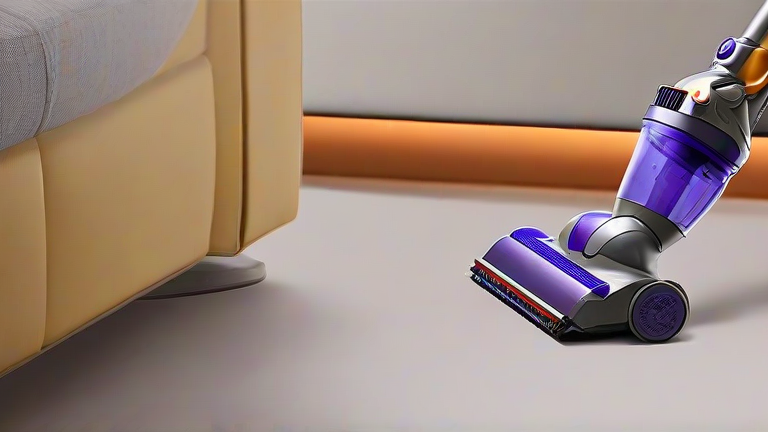
TL;DR: To clean a Dyson V15 Detect, detach the main bin, empty it, and rinse the washable filters with cold water, allowing them to air dry completely for at least 24 hours before reassembly. Regularly check the brush bar and inlet for blockages to maintain optimal suction power and extend the life of your device.
Step-by-Step Cleaning Instructions
Maintaining the pristine performance of your Dyson V15 Detect requires a consistent cleaning routine. Over time, dust and hair can accumulate in various components, reducing suction efficiency and potentially causing unpleasant odors. By following these simple steps, you can ensure your vacuum operates at peak performance every time you use it.
First, always switch off the vacuum and detach it from the charging dock. This safety precaution prevents any accidental activation while you are handling the internal components. Locate the red release button on the bin and press it to detach the bin from the main body. Hold the bin over a trash can and press the red trigger to eject the collected debris. Be cautious, as a cloud of dust may escape during this process.
Next, remove the filter assembly from the top of the bin. The V15 typically features two washable filters: a pre-motor filter and a post-motor filter. Remove these filters carefully and rinse them under cold running water. Do not use soap or detergents, as these can damage the filter material. Gently squeeze out excess water, but do not twist or wring the filters, as this may deform them. Allow the filters to air dry in a warm, well-ventilated area for at least 24 hours. It is crucial that they are completely dry before reinstalling them to prevent mold growth and motor damage.
While the filters are drying, inspect the brush bar and the cleaner head. Use scissors or a seam ripper to carefully cut away any tangled hair or fibers wrapped around the brush bar. Remove the brush bar from the cleaner head by sliding the latch and pulling it out. Wash the brush bar with warm soapy water if it is heavily soiled, then rinse and dry it thoroughly. Check the inlet at the back of the cleaner head for any visible blockages using a long, thin object like a pencil to gently dislodge debris.
Finally, wipe down the exterior of the vacuum with a dry, lint-free cloth. Avoid using harsh chemicals or abrasive cleaners that could scratch the plastic casing. Once all components are completely dry, reassemble the filters, snap the bin back into place, and insert the fully charged battery. Your Dyson V15 Detect is now ready for another efficient cleaning session. Regular maintenance every two to four weeks is recommended to keep your vacuum running smoothly.
FAQ
Q: Can I use hot water to clean the filters?
A: No, you must only use cold water to rinse the filters. Hot water can damage the filter material and reduce its effectiveness.
If you want to dig deeper, check out our guide on Vintage Vornado Fan Found Working at Vermont Town Hall.
Q: How often should I clean the filters?
A: Dyson recommends washing the filters at least once a month, or more frequently if you notice a decrease in suction power.
Q: Why is my vacuum making a strange noise?
A: A strange noise often indicates a blockage in the hose, cleaner head, or brush bar. Check these areas for tangled hair or debris and remove any obstructions.