Build an Autonomous Meditation System in TouchDesigner
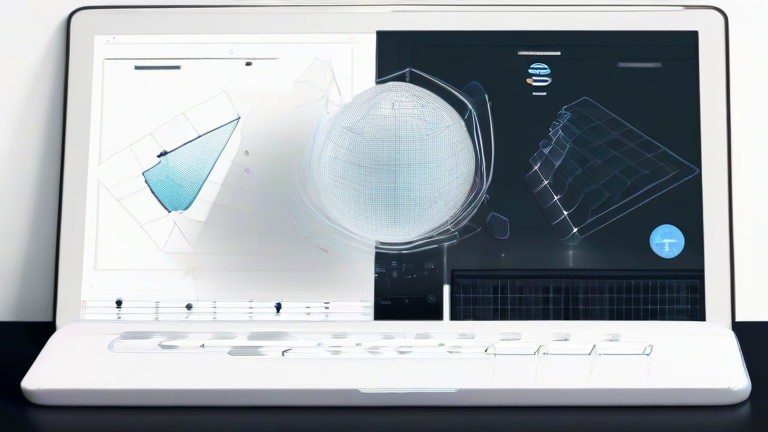
TL;DR: Building an autonomous meditation system in TouchDesigner allows you to create personalized, algorithmic visuals that react to biometric data, enhancing mindfulness through immersive feedback. This approach combines computational creativity with scientific principles of neurofeedback to reduce stress and improve focus without requiring manual input.
In an era where digital distraction is the norm, finding genuine moments of calm is increasingly difficult. Traditional meditation apps often rely on static visuals or pre-recorded audio, which can become monotonous over time. Enter TouchDesigner, a powerful node-based visual programming environment that allows creators to build dynamic, interactive systems. By integrating this software with wearable technology, you can construct an autonomous meditation system that adapts in real-time to your physiological state, offering a deeply personalized wellness experience.
If you want to dig deeper, check out our guide on Best Ergonomic Office Chair for Back Pain Relief.
The Science Behind Visual Neurofeedback
Research in neuroscience suggests that visual stimuli can significantly influence brainwave activity. Slow, rhythmic, and predictable visual patterns can encourage the brain to shift from high-alpha and beta waves, associated with active thinking and stress, to theta waves, linked with deep relaxation and meditation. An autonomous system in TouchDesigner can generate these patterns procedurally. Instead of playing a fixed video, the software calculates visuals based on live data streams. For instance, if a heart rate variability sensor detects elevated stress levels, the system might introduce slower, smoother color gradients and geometric shapes. This creates a closed-loop feedback system where your body’s state directly influences the environment, helping to guide you back to a calm state.
Designing the System for Lifestyle Integration
To make this system effective, it must be seamless and unobtrusive. Start by selecting accessible hardware, such as a chest strap heart rate monitor or a smartwatch with ECG capabilities. Connect this device to your computer via Bluetooth or USB, ensuring data flows into TouchDesigner using standard protocols like OSC (Open Sound Control) or serial communication. Within the network, use CHOPs (Channel Operators) to process the incoming data, filtering out noise to get a clean signal representing your heart rate or galvanic skin response. Map these values to visual parameters like color hue, shape complexity, or movement speed. For example, a higher stress score could increase the saturation and vibrancy of the visuals, while calm states result in muted, earthy tones.
Lifestyle tips for success include dedicating a specific space for your meditation practice. This environment should be free from external distractions, allowing the autonomous visuals to become your primary point of focus. Practice regularly, aiming for ten to twenty minutes daily. Over time, your brain will learn to associate these specific algorithmic patterns with relaxation, creating a conditioned response that aids in stress reduction. This method is particularly beneficial for individuals who find traditional guided meditations challenging, as the visual component provides a tangible anchor for attention. By leveraging the creative potential of TouchDesigner, you transform passive consumption into active, bio-responsive engagement, turning your digital workspace into a sanctuary for mental clarity and emotional balance.
FAQ
Q: What hardware is needed to build this system?
A: You will need a computer capable of running TouchDesigner, a biometric sensor like a heart rate monitor or EEG headset, and appropriate software drivers to stream data from the sensor to the design environment.
Q: Is this system safe for beginners?
A: Yes, but always consult a healthcare professional before using biofeedback tools for medical conditions. Start with simple visual mappings and gradually increase complexity as you become comfortable with the interface.
Q: Can I use pre-made templates instead of coding from scratch?
A: Absolutely. The TouchDesigner community offers many free and paid templates for biofeedback. You can customize these existing networks to suit your specific hardware and aesthetic preferences without writing complex code.